The Ultimate Laptop Buying Guide (2026) – Top Laptops for Students, Creators, Gaming & Budget (Ranked)
🇺🇸 USA & Global Buying Guide: Products, Amazon customer ratings, and curated deals in this guide are sourced from Amazon.com ($ USD).
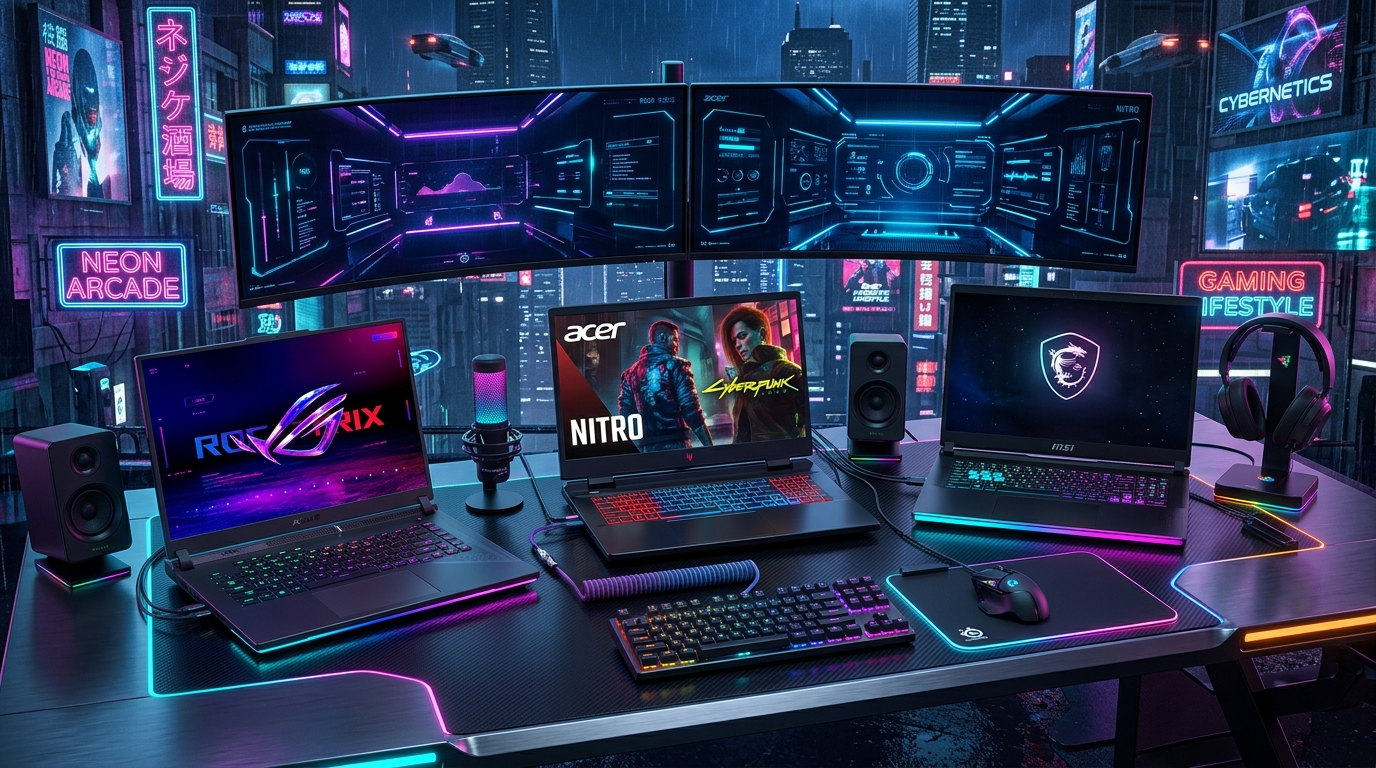
The laptop market in 2026 has undergone its most radical architectural revolution in over a decade. The arrival of dedicated Neural Processing Units (NPUs) exceeding 45–50 TOPS, ARM-based silicon, high-power Blackwell RTX 50-series discrete mobile GPUs, and OLED/Mini-LED displays with 120Hz–240Hz refresh rates has made choosing the right machine more nuanced than ever before.
Whether you're shopping for a budget student machine, an executive thin-and-light ultrabook, or a high-wattage ray-tracing workstation, this comprehensive master guide breaks down the exact hardware specifications, CPU tiers, RAM minimums, and display types you need to look for in 2026.
1. Processor Architecture: How to Choose in 2026
In 2026, processors are categorized into three distinct compute architectures:
- AMD Ryzen AI 300 & 7000/8000 Series (Zen 4 / Zen 5): Outstanding multi-threaded efficiency and class-leading battery life. Exceptional integrated Radeon graphics for lightweight gaming.
- Intel Core Ultra (Series 2) & 14th Gen HX: High single-core boost clocks and hybrid Performance/Efficiency core distribution. HX-series chips deliver maximum raw power for heavy video rendering.
- ARM-Based Silicon (Snapdragon X Elite / Apple M-Series): Multi-day real-world battery life (15–20 hours) with instant wake and silent fanless operation.
2. RAM & Storage Standards: Non-Negotiable Minimums
| Component | 2026 Minimum Standard | Recommended for Power Users | Why It Matters |
|---|---|---|---|
| RAM (Memory) | 16GB DDR5 / LPDDR5X | 32GB – 64GB DDR5 | Windows 11 with multi-tab browsing and background AI tools consumes 8GB at idle. 16GB is the absolute baseline. |
| SSD Storage | 512GB PCIe 4.0 NVMe | 1TB – 2TB Gen 4 / Gen 5 NVMe | Modern AAA games (100GB+) and operating system updates quickly fill 256GB drives. |
| Display Panel | FHD (1920x1080) IPS 300 nits | QHD+ (2560x1600) OLED 120Hz+ | 100% sRGB color gamut and anti-glare coatings prevent eye strain during 8-hour work shifts. |
3. Dedicated Graphics: Which GPU Do You Actually Need?
- Integrated Graphics (Intel UHD / AMD Radeon 780M/880M): Ideal for office work, students, 4K video playback, and lightweight esports (Valorant, CS2 at 1080p).
- Mid-Range RTX 4060 / 4070 (140W TGP): The sweet spot for 1080p/1440p high-refresh gaming, Premiere Pro video editing, and Blender 3D modeling.
- Enthusiast RTX 5070 Ti / 5080 / 5090: Extreme desktop-replacement workstations for 4K ray-traced AAA gaming, local LLM AI model training, and professional VFX.
Pre-Purchase Checklist for 2026 Laptop Buyers
- RAM Upgradability: Check whether RAM is soldered (LPDDR5X) or modular (SO-DIMM slots). If soldered, buy 32GB upfront.
- Charging Protocol: Ensure the laptop supports USB-C Power Delivery (PD) so you can charge using universal travel adapters.
- Keyboard Comfort: Look for at least 1.4mm to 1.7mm key travel and backlighting for comfortable typing in dim lighting.
Frequently Asked Questions (FAQs)
1. Is an AI NPU necessary for an everyday laptop?
An NPU (Neural Processing Unit) is not mandatory for basic browsing, but it accelerates Windows Copilot features, background blur in video calls, live captions, and generative AI tools without draining your main CPU battery.
2. Should I choose an OLED screen or an IPS screen on a laptop?
OLED screens offer unmatched infinite contrast and vibrant colors, making them ideal for creative professionals and movie watching. IPS screens are preferred for users working outdoors or displaying static spreadsheets all day due to higher sustained full-screen brightness and zero burn-in risk.
Final Verdict
In 2026, never compromise on 16GB of RAM, 512GB PCIe SSD storage, and an efficient modern processor. Explore our curated selections of the Best Laptops Under ₹50,000 and Best RTX Gaming Laptops for curated expert recommendations.
How We Evaluated & Selected These Products
Selections in this guide are based on verified manufacturer specifications, retail price-to-performance ratios, verified Amazon customer feedback patterns, and brand return policies. We do not operate a physical testing technical analysis; our recommendations are grounded in objective technical data, verified dimensions, and marketplace transaction metrics.
What We Would Skip in This Category
We recommend skipping generic no-name listings that lack verifiable warranty backing, models with inflated battery or output specs unsupported by physics, and products with high return rates on Amazon.
Never Miss a Price Drop on These Products!
Amazon prices change multiple times daily. Join our official Telegram Deals Channel, WhatsApp Channel, and Pinterest Channel to get instant alerts the exact minute these items hit their 90-day lowest price or flash coupon drops.